
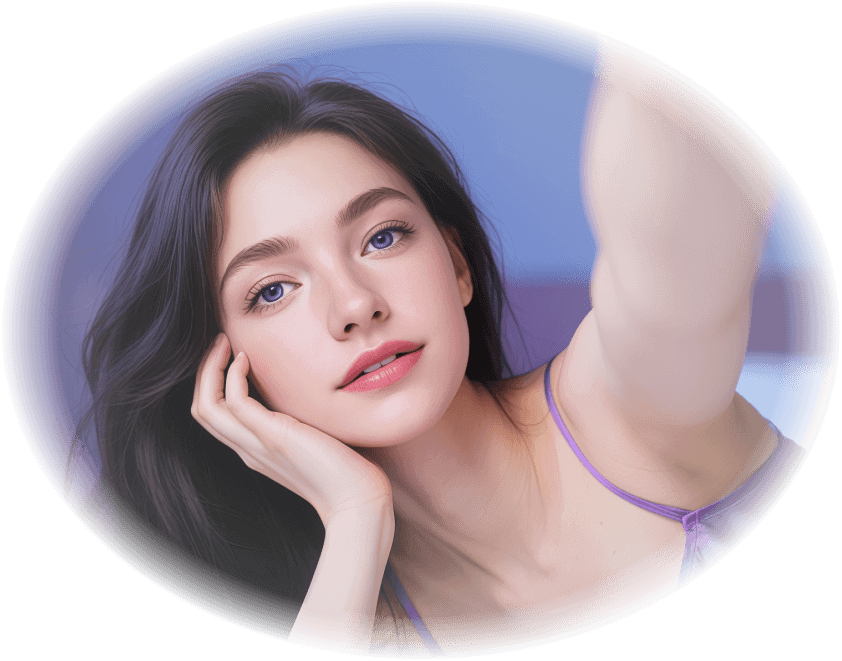
AI Girl & Girlfriend Video Generator
Customize your ideal AI girlfriend and generate stunning, lifelike videos in seconds. Experience realistic interactions with our advanced AI video creator.
AI Girl Generator: See the Possibilities
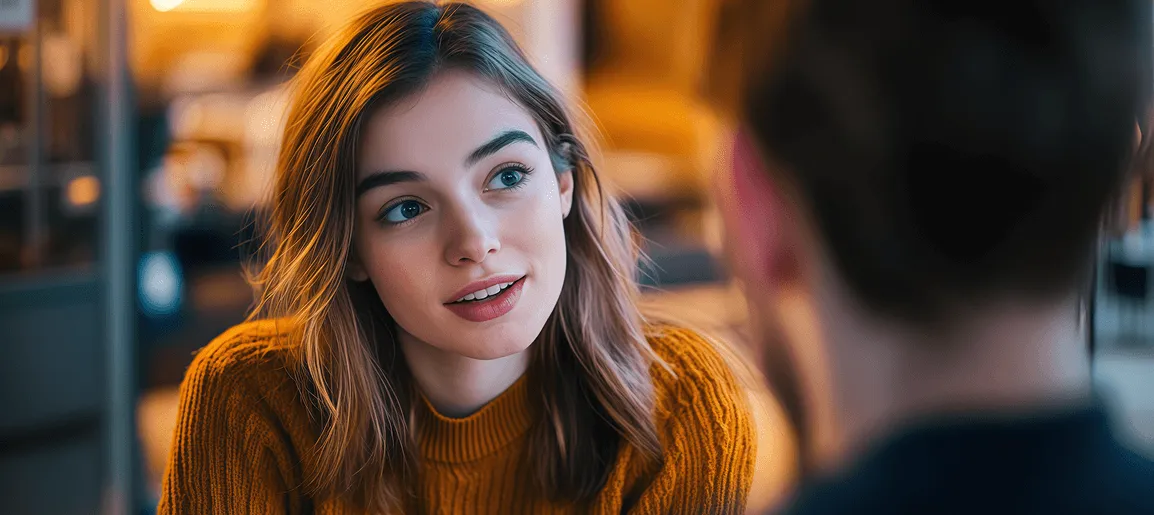
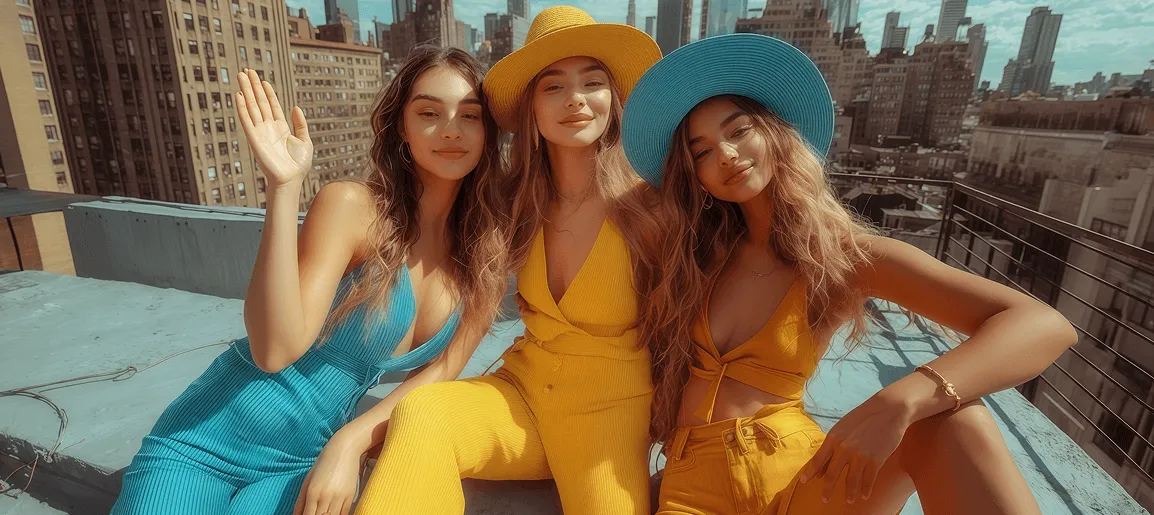
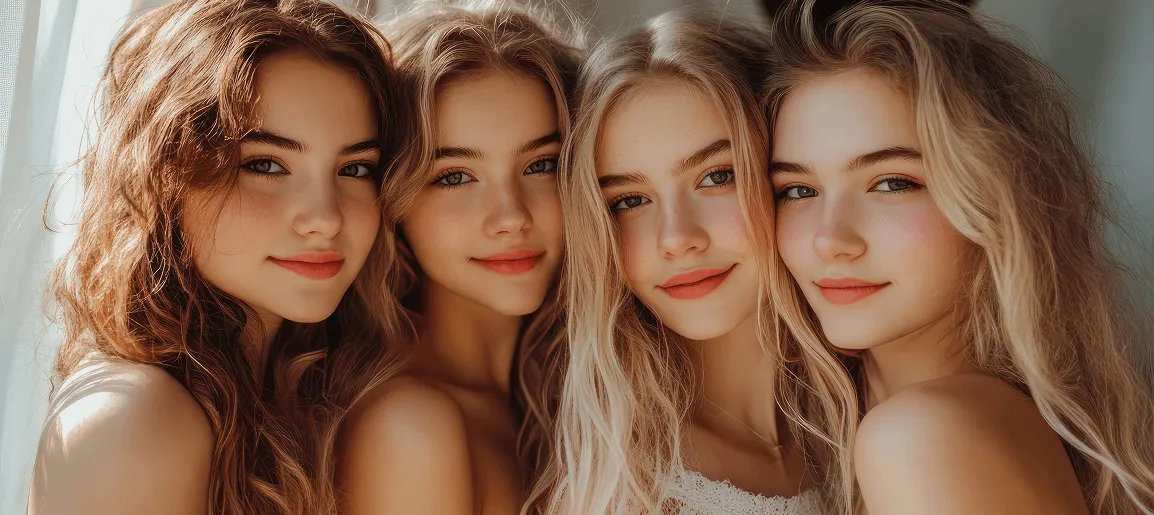
Which AI Girlfriend Moment Do You Want Create?
See how the AI girlfriend video generator lets you design lifelike, interactive girlfriend experiences for content, entertainment, or just for fun.
How to Create AI Girl & Girlfriend Artwork in Minutes
Making your dream AI girl or girlfriend artwork is easier than ever! Follow these simple steps and start creating unique, high-quality videos & images in no time—no editing skills required.
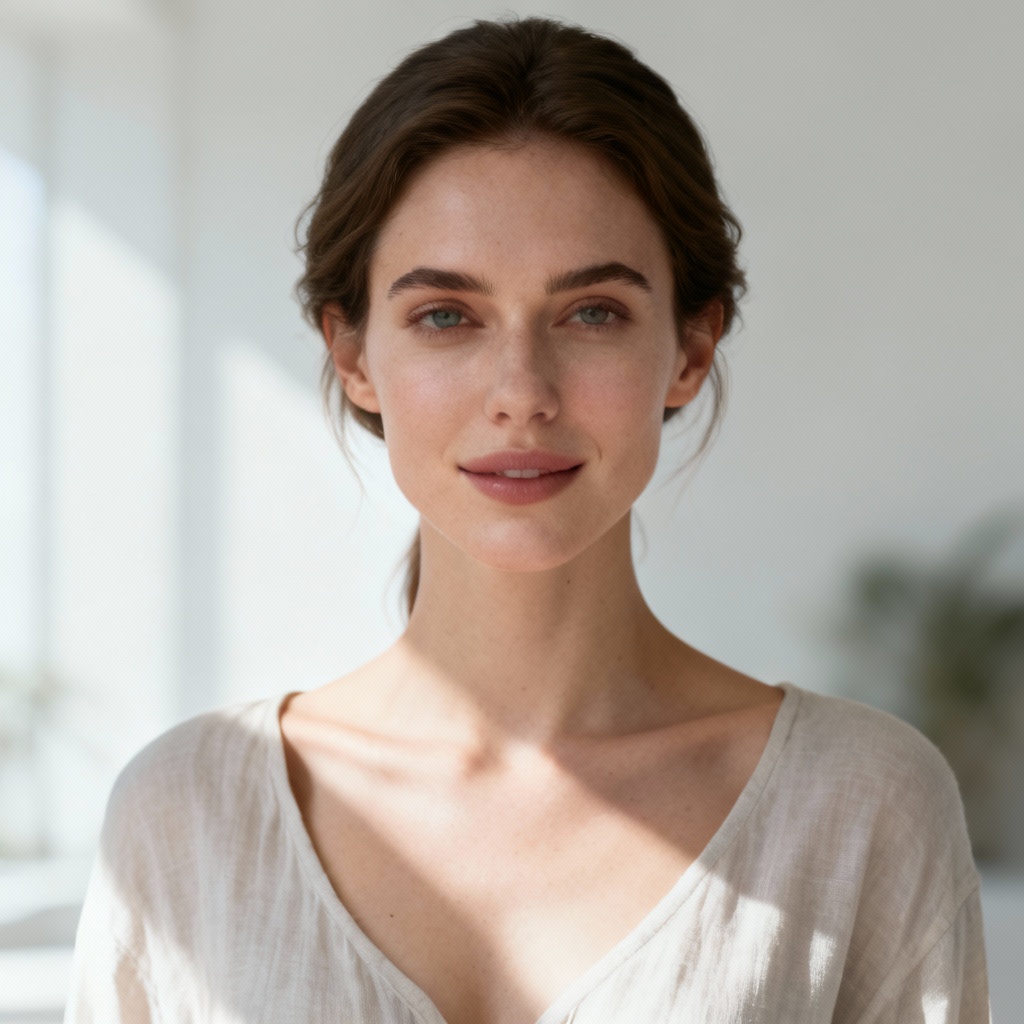
Step 1: Pick a Template or Feature
Browse 300+ styles! Select the AI video generator for action (dancing, hugging) or the AI image generator for beautiful snapshots.
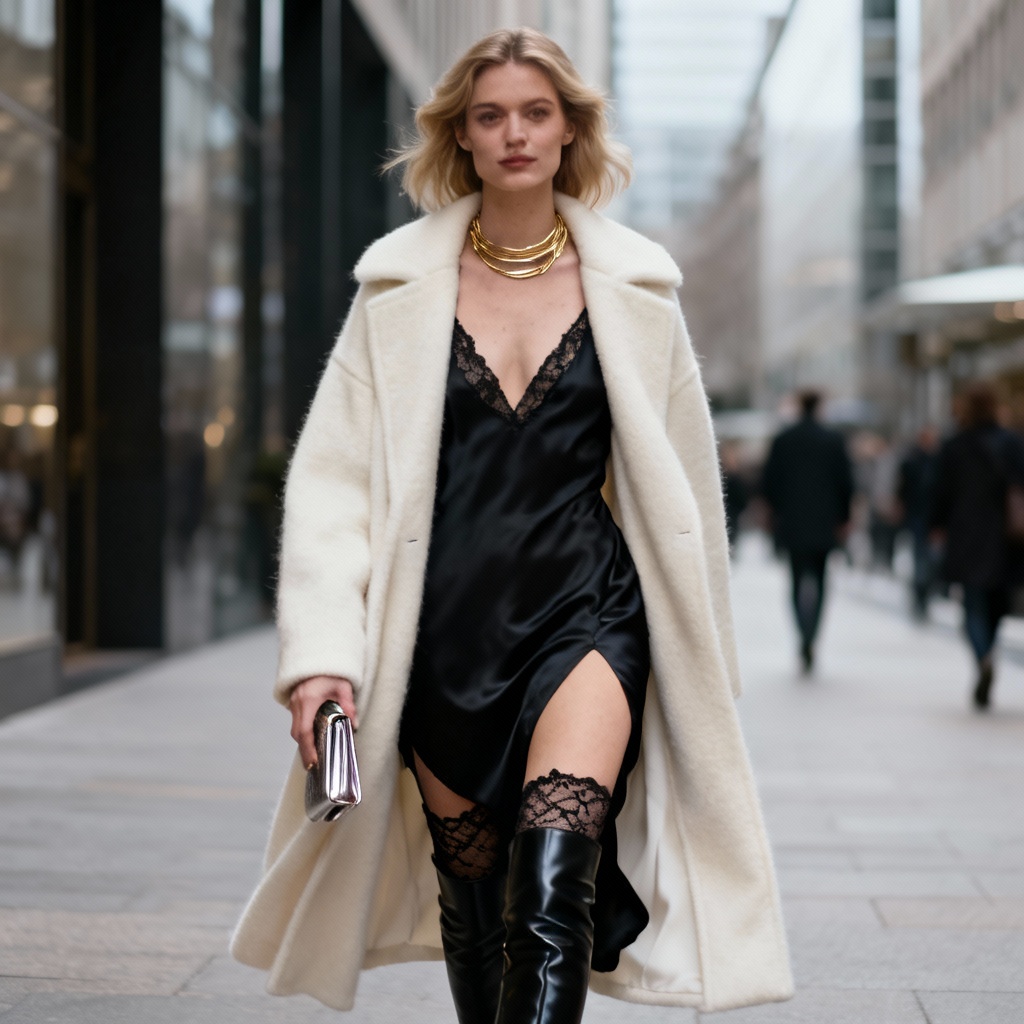
Step 2: Upload or Describe Your Vision
Upload a reference photo to base your character on, or simply type in a text prompt describing her appearance, personality, and setting.
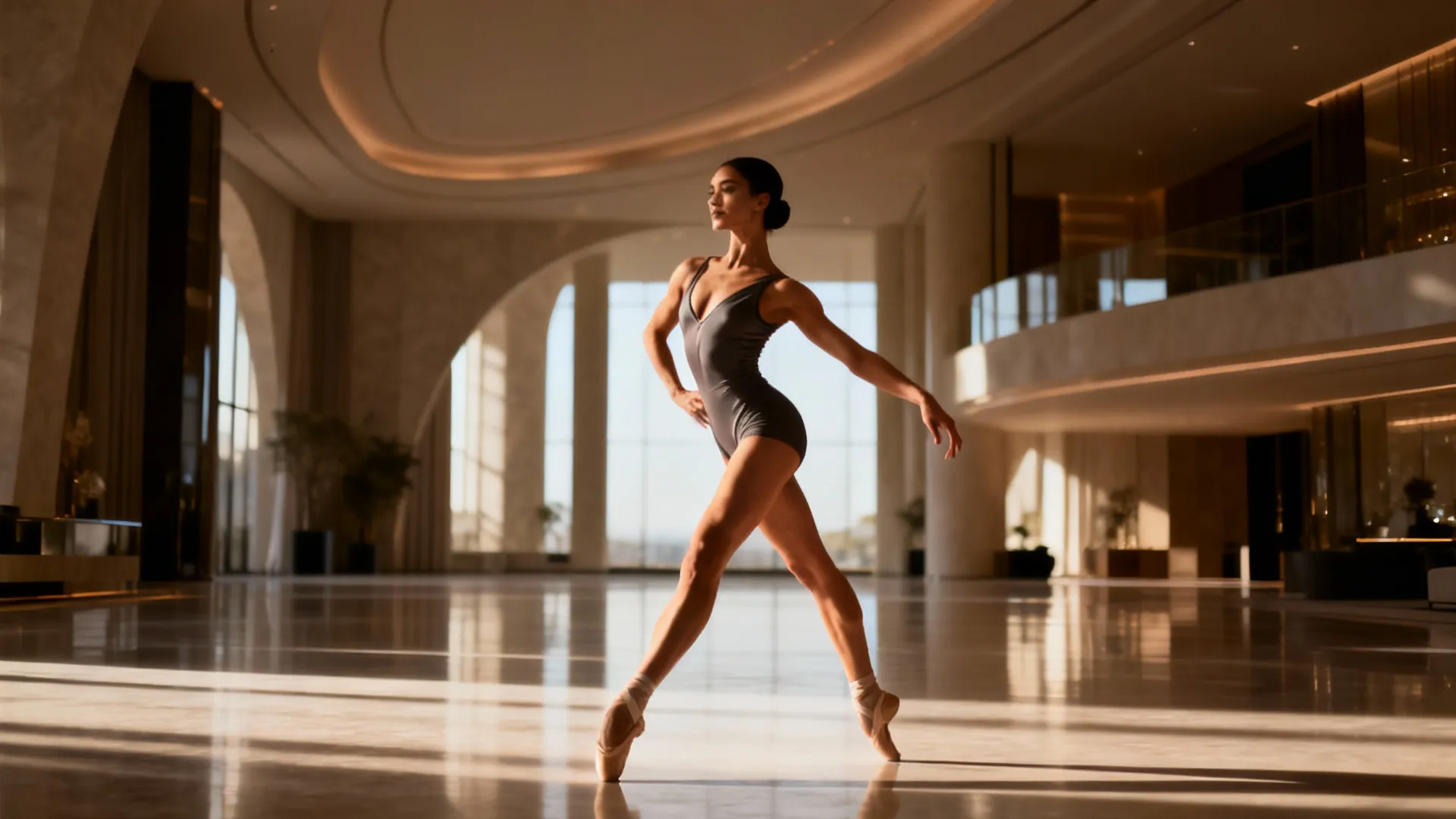
Step 3: Generate & Enjoy
Press the "Create" button and receive your custom artwork instantly. Save your AI girl art and use it for social media, storytelling, or fun.
Community Inspiration
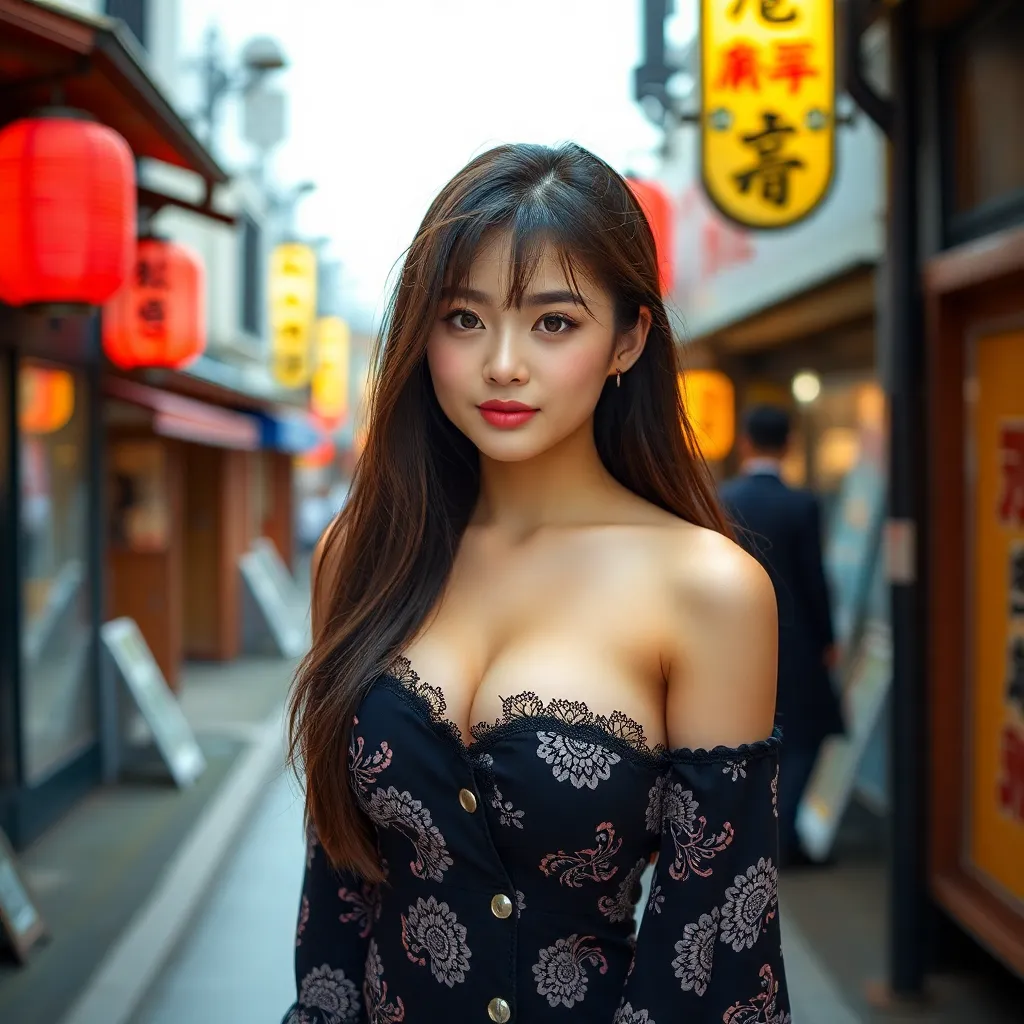
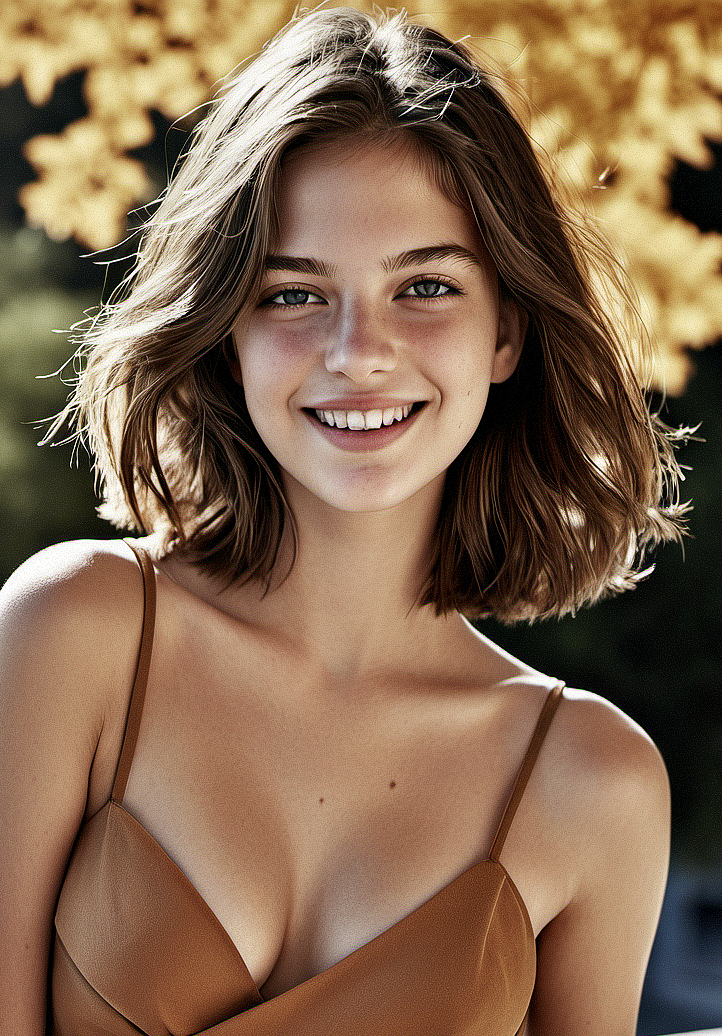
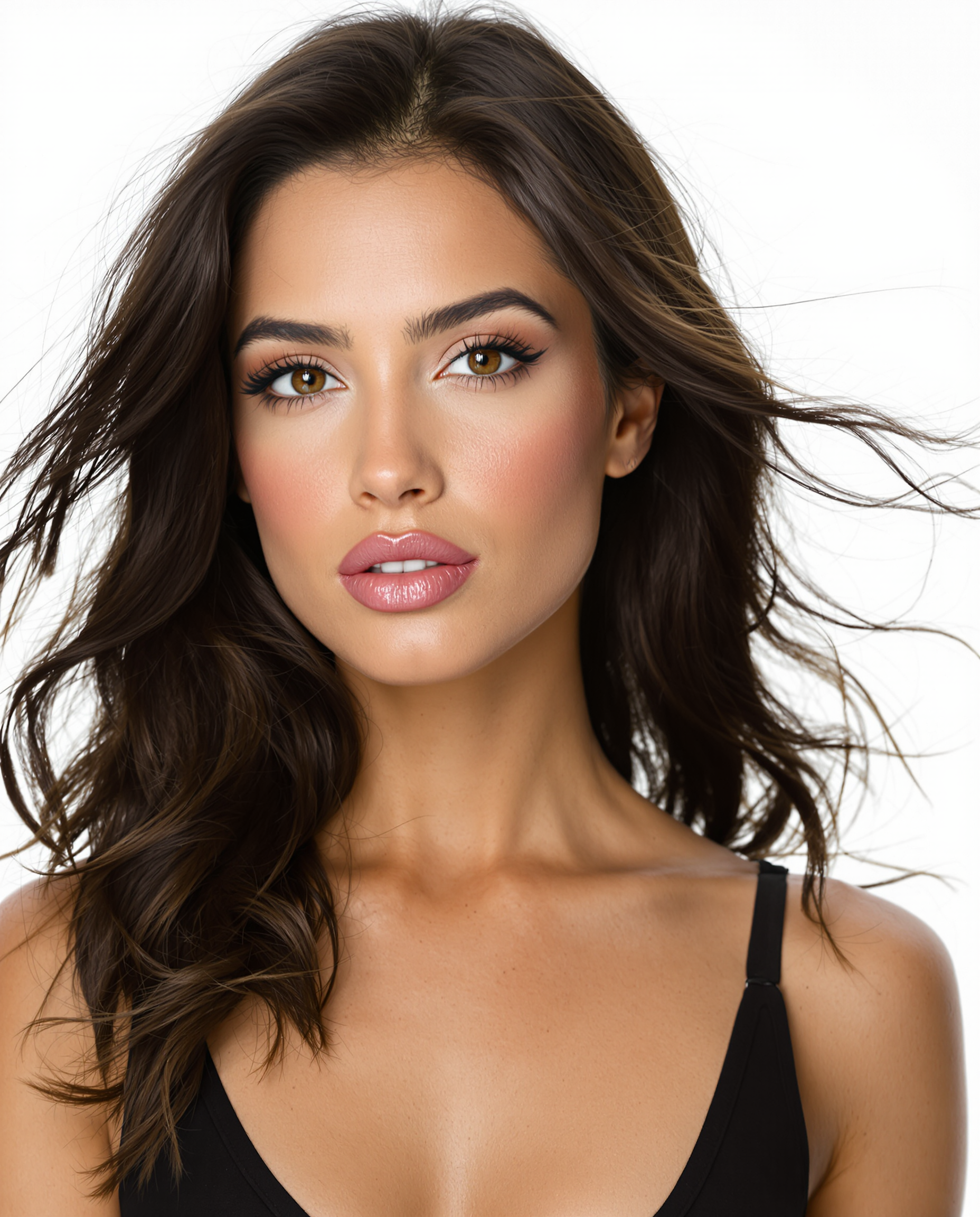
FAQs of VidGen AI Girl & Girlfriend Generator
1. How do I stop my character's face from changing between clips?
Character drift is a common issue in AI generation. To maintain a consistent look, it is best to use a two-step workflow: first, use VidGen AI to generate a high-quality static image of your character. Once you are happy with the features, upload that specific image into our Image-to-Video tool. This ensures the engine uses your original character as the "DNA" for the motion, keeping her face identical across every video you create.
2. Why do the movements in my AI videos sometimes look unnatural?
If a video looks "glitchy," it’s often because the prompt is too chaotic or the motion setting is too high. For natural-looking AI girlfriend content—like a gentle smile or a head tilt—try lowering the motion intensity. In VidGen AI, keeping the motion scale moderate allows the model to prioritize facial skin textures and realistic eye movements, preventing the "melting" effect often seen in high-action AI clips.
3. What’s the secret to getting photorealistic results instead of "AI-looking" art?
The key lies in the lighting and camera technicals. Instead of just describing the girl, describe the "shot." Using keywords like 85mm lens, depth of field, cinematic lighting, or shot on 35mm film within VidGen AI signals the model to mimic professional photography. This moves the output away from a "digital" feel and toward a more lifelike, grounded aesthetic.
4. Can I turn a simple text description directly into a video?
Yes, you can use the Text-to-Video feature for quick results. However, for users who want maximum control over the character's appearance (like specific hair color or clothing), we recommend the Text-to-Image route first. By generating the perfect frame in VidGen AI before animating it, you save time and credits by ensuring the visual foundation is exactly what you envisioned before the AI starts rendering motion.
5. How do I fix distorted hands or facial features in my generated images?
Even the best models can occasionally struggle with complex details like fingers. If your result isn't perfect, use the Negative Prompt field. By adding terms like deformed, extra fingers, or blurry to your VidGen AI settings, you instruct the AI to actively avoid those common pitfalls. Additionally, using a higher resolution setting at the start helps the engine map out fine details more accurately.
Ready to meet her?
The only limit is your imagination. Start designing your perfect AI companion now for free.
Create Girlfriend Video Now